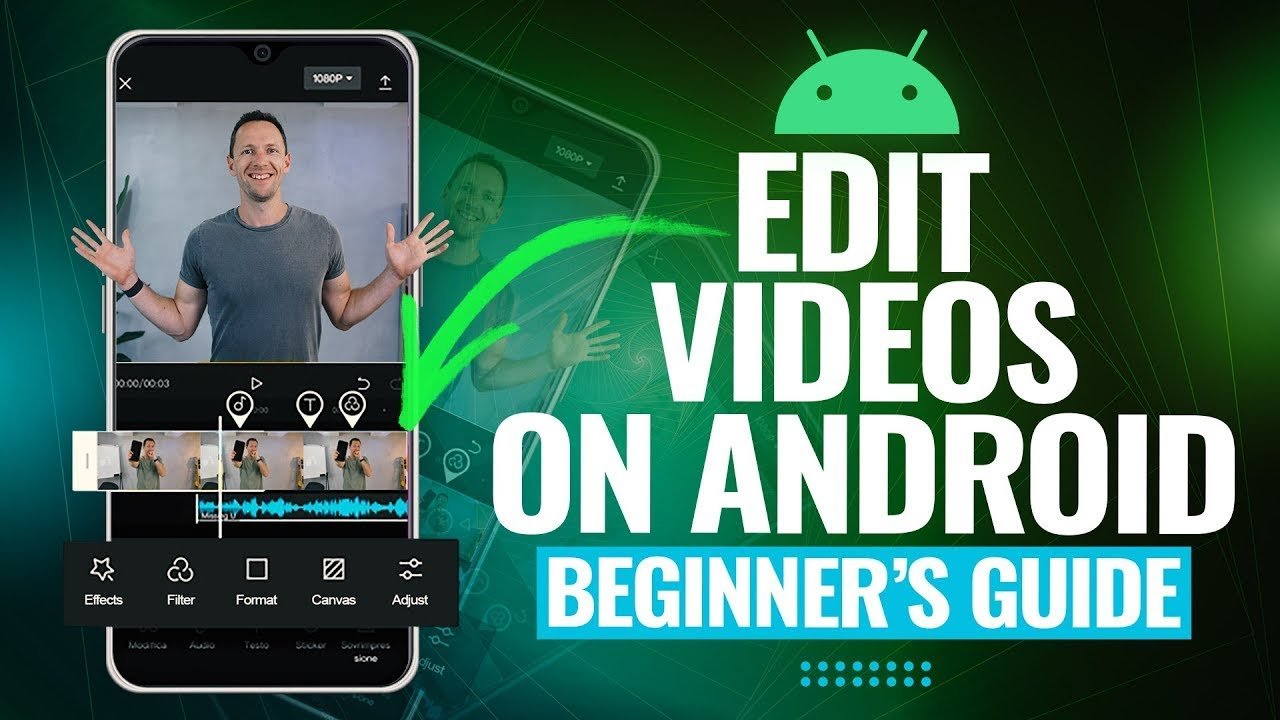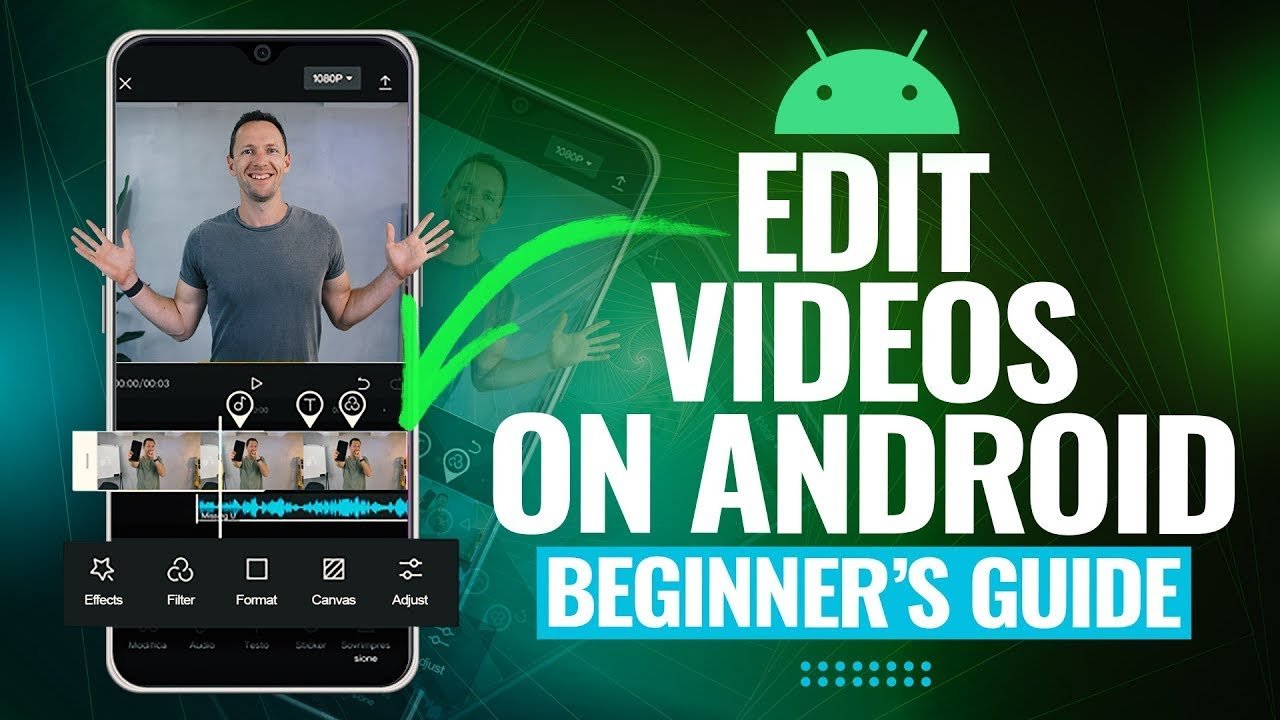

Mobile video editing has completely transformed how content is created and shared. Whether you’re a beginner, social media creator, or aspiring filmmaker, your smartphone is now powerful enough to produce professional-quality videos. In this Complete Guide to Mobile Video Editing, you’ll learn everything from basics to advanced techniques, best apps, editing tips, and SEO strategies to make your videos stand out.
Introduction to Mobile Video Editing
Mobile video editing refers to the process of editing videos directly on smartphones or tablets using dedicated apps. With rapid advancements in mobile technology, devices now support high-resolution editing, effects, transitions, and even AI-powered tools.
This Complete Guide to Mobile Video Editing is designed to help you master the entire workflow—from shooting to exporting polished content.
Why Mobile Video Editing is So Popular
1. Accessibility
You don’t need expensive software or a powerful PC. A smartphone is enough to create high-quality content.
2. Convenience
Edit videos anytime, anywhere—perfect for vloggers and social media creators.
3. Cost-Effective
Many powerful mobile editing apps are free or offer affordable subscriptions.
4. Social Media Integration
Mobile editing apps are optimized for platforms like TikTok, Instagram, and YouTube.
Essential Features of Mobile Video Editing Apps
Before choosing an app, make sure it includes the following features:
H3: Basic Editing Tools
- Trim, cut, split, and merge clips
- Adjust speed (slow motion or fast-forward)
- Rotate and crop videos
H3: Advanced Editing Features
- Multi-layer editing
- Chroma key (green screen)
- Keyframe animation
- Audio mixing
H3: Effects and Filters
- Cinematic filters
- Transitions
- Text overlays and titles
H3: Export Options
- HD and 4K resolution
- Multiple aspect ratios (16:9, 9:16, 1:1)
Best Mobile Video Editing Apps in 2026
Here are some top apps widely used by creators:
1. CapCut
- Beginner-friendly
- AI-powered tools
- Great for TikTok editing
2. KineMaster
- Professional features
- Multi-layer editing
- Advanced transitions
3. InShot
- Easy interface
- Perfect for Instagram content
4. VN Video Editor
- Free with no watermark
- Smooth performance
5. Adobe Premiere Rush
- Cross-platform editing
- Professional-grade tools
Step-by-Step Mobile Video Editing Process
H2: Step 1 – Plan Your Content
Before recording, define:
- Purpose of your video
- Target audience
- Platform (YouTube, TikTok, etc.)
Planning ensures your editing process is smooth and efficient.
H2: Step 2 – Shoot High-Quality Footage
Good editing starts with good footage.
Tips:
- Use natural lighting
- Keep your camera stable
- Shoot in high resolution (1080p or 4K)
- Maintain proper framing
H2: Step 3 – Import Clips into Editing App
Open your chosen app and:
- Import all video clips
- Arrange them in sequence
- Remove unnecessary parts
H2: Step 4 – Trim and Cut Clips
Cut out mistakes, pauses, or irrelevant sections to keep your video engaging.
Pro Tip: Shorter, crisp videos perform better on social media.
H2: Step 5 – Add Transitions
Transitions improve flow between clips.
Popular transitions:
- Fade
- Slide
- Zoom
Use them wisely—too many transitions can look unprofessional.
H2: Step 6 – Apply Filters and Effects
Enhance your video’s look with:
- Color grading
- Cinematic filters
- Light adjustments
Keep consistency across all clips for a professional feel.
H2: Step 7 – Add Text and Titles
Text helps communicate your message clearly.
Examples:
- Intro titles
- Subtitles
- Call-to-action (Subscribe, Follow)
H2: Step 8 – Edit Audio
Audio quality is as important as visuals.
Improve your audio by:
- Removing background noise
- Adjusting volume levels
- Adding background music
H2: Step 9 – Export Your Video
Choose the right export settings:
- Resolution: 1080p or 4K
- Frame rate: 30fps or 60fps
- Format: MP4
Mobile Video Editing Tips for Beginners
H3: Keep It Simple
Avoid overusing effects. Clean editing always looks better.
H3: Use Short Clips
Quick cuts keep viewers engaged.
H3: Follow Trends
Stay updated with trending styles and formats.
H3: Focus on Storytelling
Even simple videos can go viral if they tell a good story.
Advanced Mobile Video Editing Techniques
Once you’re comfortable with basics, try these advanced techniques:
H3: Color Grading
Adjust colors manually to create a cinematic look.
H3: Keyframe Animation
Create smooth motion effects for text and objects.
H3: Green Screen Editing
Replace backgrounds using chroma key.
H3: Speed Ramping
Create dynamic slow-motion and fast-motion effects.
Common Mistakes to Avoid
- Overusing filters and transitions
- Ignoring audio quality
- Poor lighting during shooting
- Not optimizing for platform aspect ratio
- Exporting in low quality
Avoiding these mistakes will instantly improve your video quality.
Best Practices for Social Media Video Editing
H3: Optimize for Each Platform
| Platform | Aspect Ratio | Ideal Length |
|---|---|---|
| TikTok | 9:16 | 15–60 sec |
| 1:1 / 9:16 | 30–90 sec | |
| YouTube | 16:9 | 5–15 min |
H3: Add Captions
Many users watch videos without sound. Captions increase engagement.
H3: Hook Viewers Quickly
The first 3 seconds are crucial—grab attention instantly.
SEO Tips for Mobile Video Content
To rank your videos and articles better, follow these SEO strategies:
H3: Use Target Keyword Naturally
Include “Complete Guide to Mobile Video Editing” in:
- Title
- Headings
- Meta description
- First 100 words
H3: Optimize Video Titles
Make titles clear and engaging:
- “Beginner’s Guide to Mobile Video Editing”
- “Edit Videos Like a Pro on Your Phone”
H3: Use Relevant Tags
Add keywords related to:
- Mobile editing apps
- Video editing tips
- Smartphone filmmaking
H3: Create Engaging Thumbnails
Thumbnails increase click-through rates.
Future of Mobile Video Editing
Mobile video editing is evolving rapidly with new technologies:
H3: AI Editing Tools
AI can automatically:
- Cut clips
- Add effects
- Generate captions
H3: Cloud-Based Editing
Work on projects across multiple devices seamlessly.
H3: AR and VR Integration
Immersive editing experiences are becoming more common.
Who Should Learn Mobile Video Editing?
This Complete Guide to Mobile Video Editing is useful for:
- Content creators
- YouTubers
- Social media influencers
- Freelancers
- Small business owners
Anyone can benefit from learning mobile editing skills.
Final Thoughts
Mobile video editing is no longer just a basic tool—it’s a powerful creative platform. With the right apps, techniques, and strategies, you can create stunning videos directly from your smartphone.
This Complete Guide to Mobile Video Editing has covered everything you need—from beginner basics to advanced tips. The key is to practice consistently, stay updated with trends, and focus on storytelling.
Start editing today, and turn your ideas into professional-quality videos—right from your pocket.