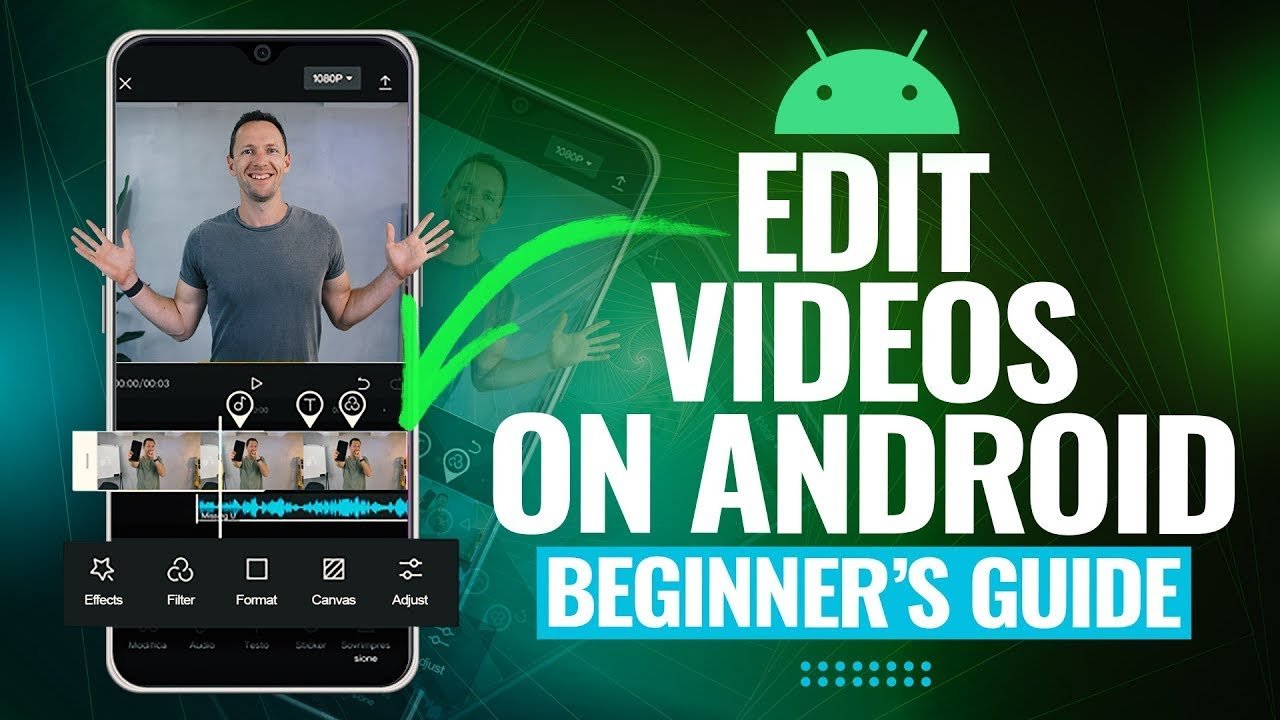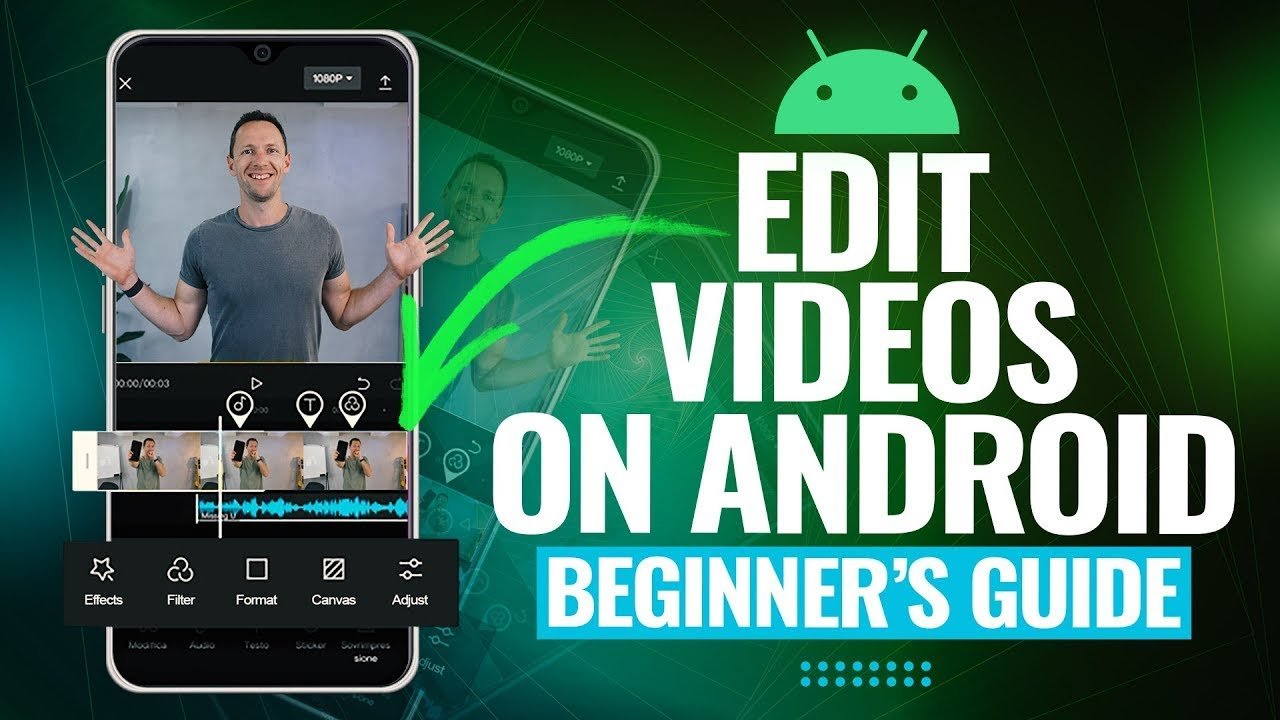

If you’re just starting your journey into video creation, choosing the right editing software can feel overwhelming. The good news? You don’t need expensive tools to create high-quality videos. In fact, many top free video editing tools for beginners offer powerful features, easy interfaces, and professional results.
Whether you want to create YouTube videos, TikToks, Instagram reels, or school projects, this guide will help you find the best tools to get started quickly and confidently.
Why Beginners Should Start with Free Video Editing Tools
Before investing in paid software, beginners should explore free tools for several reasons:
1. Cost-Effective Learning
Free tools allow you to learn editing basics without financial pressure.
2. Beginner-Friendly Interfaces
Most free editors are designed with simplicity in mind, making them perfect for first-time users.
3. Essential Features Included
You’ll get access to trimming, transitions, filters, audio editing, and more—everything you need to create engaging videos.
Key Features to Look for in Video Editing Tools
When choosing from the top free video editing tools for beginners, keep these features in mind:
Easy User Interface
A clean and simple layout helps you focus on creativity rather than confusion.
Drag-and-Drop Editing
This feature makes it easier to arrange clips, images, and audio.
Built-in Effects and Transitions
Pre-made templates and effects can instantly improve your videos.
Export Options
Look for tools that support HD or 4K export without watermarks.
Compatibility
Choose software that works on your device—Windows, Mac, Android, or iOS.
Top Free Video Editing Tools for Beginners
Let’s explore the best tools available today that are perfect for beginners.
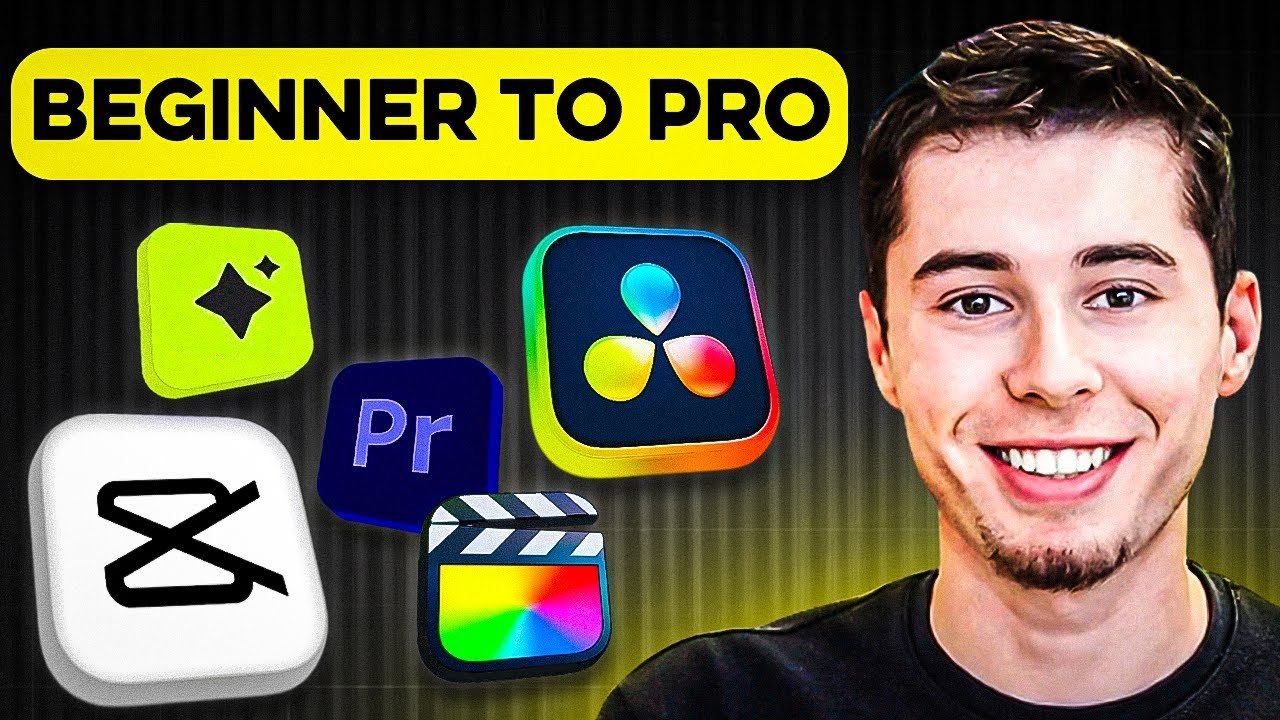
1. CapCut
CapCut has become one of the most popular free video editing apps, especially among social media creators.
Key Features:
- Easy drag-and-drop timeline
- Built-in effects, filters, and transitions
- AI-powered tools like auto captions
- No watermark (in most cases)
Best For:
Beginners creating TikTok, Instagram, or YouTube Shorts.
Why It Stands Out:
CapCut combines simplicity with advanced features, making it one of the top free video editing tools for beginners in 2026.
2. DaVinci Resolve
DaVinci Resolve is a powerful tool used by professionals, but it also offers a free version suitable for beginners.
Key Features:
- Advanced color correction
- Professional editing timeline
- Audio post-production tools
- Visual effects (VFX)
Best For:
Users who want to learn professional-level editing from the start.
Why It Stands Out:
Despite being free, it offers features that rival paid software.
3. Shotcut
Shotcut is a free, open-source video editor that works across multiple platforms.
Key Features:
- Wide format support
- Customizable interface
- Basic transitions and filters
- No watermarks
Best For:
Users who prefer lightweight software with flexibility.
Why It Stands Out:
It’s completely free with no hidden costs, making it ideal for beginners.
4. OpenShot
OpenShot is another beginner-friendly tool that offers a simple editing experience.
Key Features:
- Drag-and-drop editing
- Unlimited layers
- Video effects and animations
- Simple timeline interface
Best For:
New users who want an easy introduction to video editing.
Why It Stands Out:
Its simplicity makes it one of the easiest tools to learn.
5. iMovie
If you’re using a Mac or iPhone, iMovie is a great starting point.
Key Features:
- Clean and intuitive interface
- Built-in templates and themes
- High-quality export options
- Seamless integration with Apple devices
Best For:
Apple users looking for a polished editing experience.
Why It Stands Out:
It’s optimized for Apple devices and delivers smooth performance.
6. VN Video Editor
VN Video Editor is gaining popularity due to its powerful features and zero watermark policy.
Key Features:
- Multi-layer timeline
- Advanced transitions
- Speed control and effects
- No watermark
Best For:
Mobile users who want professional editing features.
Why It Stands Out:
It offers premium-like features completely free.
7. HitFilm Express
HitFilm Express combines video editing with visual effects.
Key Features:
- Built-in VFX tools
- Editing and compositing in one platform
- Tutorials for beginners
- Customizable interface
Best For:
Users interested in filmmaking and visual effects.
Why It Stands Out:
It’s perfect for learning both editing and VFX.
8. Canva Video Editor
Canva isn’t just for graphics—it also offers a simple video editor.
Key Features:
- Drag-and-drop templates
- Stock footage and music
- Easy text animations
- Cloud-based editing
Best For:
Beginners creating marketing or social media videos.
Why It Stands Out:
Its simplicity and templates save time.
Desktop vs Mobile Video Editing Tools
Choosing between desktop and mobile tools depends on your needs.
Desktop Editors
- More powerful features
- Better for long videos
- Examples: DaVinci Resolve, Shotcut
Mobile Editors
- Easy to use
- Perfect for social media
- Examples: CapCut, VN Video Editor
Tips for Beginners to Start Video Editing
Using the top free video editing tools for beginners is just the first step. Here are some tips to improve your skills:
Start with Simple Projects
Create short videos before moving to complex edits.
Learn Basic Editing Techniques
Focus on cutting, trimming, and transitions first.
Use Free Resources
Download free music, stock videos, and templates.
Watch Tutorials
Most tools offer built-in tutorials to help you learn faster.
Practice Regularly
The more you edit, the better you’ll become.
Common Mistakes Beginners Should Avoid
Overusing Effects
Too many transitions can make videos look unprofessional.
Ignoring Audio Quality
Clear sound is just as important as visuals.
Not Planning the Video
Always have a rough script or idea before editing.
Exporting in Low Quality
Choose the best resolution available for better results.
How to Choose the Right Tool for You
With so many options available, selecting the right tool can be confusing. Here’s how to decide:
For Social Media Content
Go with CapCut or VN Video Editor.
For Professional Editing
Choose DaVinci Resolve or HitFilm Express.
For Simplicity
OpenShot or Canva Video Editor are great choices.
For Apple Users
iMovie is the best option.
SEO Benefits of Using Video Content
Creating videos isn’t just fun—it’s also great for SEO.
Increases Engagement
Videos keep users on your website longer.
Boosts Search Rankings
Search engines favor websites with multimedia content.
Improves User Experience
Videos make content easier to understand.
Future of Video Editing Tools (2026 Trends)
The world of video editing is evolving rapidly. Here are some trends shaping the future:
AI-Powered Editing
Tools now offer automatic captions, scene detection, and smart editing.
Cloud-Based Editing
More editors are moving online, allowing access from anywhere.
Mobile-First Editing
Smartphones are becoming powerful enough for professional editing.
Real-Time Collaboration
Multiple users can edit the same project simultaneously.
Conclusion
Finding the top free video editing tools for beginners doesn’t have to be difficult. With options like CapCut, DaVinci Resolve, and Canva Video Editor, you can start creating high-quality videos without spending a single rupee.
The key is to choose a tool that matches your needs, practice regularly, and keep learning new techniques. As you grow your skills, you can explore more advanced tools—but these free options are more than enough to get started.
If you’re serious about video creation in 2026, now is the perfect time to begin. Pick a tool, start editing, and bring your creative ideas to life.