
Android devices are incredibly versatile, but like any technology, they sometimes encounter issues. Whether it’s a slow phone, apps crashing, or connectivity problems, knowing how to fix common Android problems can save you time, frustration, and even unnecessary repair costs. In this guide, we’ll walk you through the most frequent Android issues and provide practical solutions you can apply today.
1. Phone Running Slowly
One of the most common complaints among Android users is a slow device. A lagging phone can make even basic tasks frustrating.
Causes
- Too many apps running in the background
- Insufficient storage
- Outdated software
Solutions
- Clear Cache: Go to Settings > Storage > Cached Data and clear it. Cached files take up space and slow down your device.
- Uninstall Unnecessary Apps: Remove apps you rarely use to free up memory.
- Update Your Android OS: Updates often include performance improvements and bug fixes.
By regularly maintaining your device, you can easily fix common Android problems related to speed.
2. Battery Drains Quickly
A fast-draining battery is frustrating and can disrupt your day. Understanding why your battery dies quickly is the first step to fixing it.
Causes
- Power-hungry apps
- High screen brightness
- Background processes
Solutions
- Check Battery Usage: Go to Settings > Battery > Battery Usage to identify apps consuming the most power.
- Enable Battery Saver Mode: Most Android devices have a built-in battery saver option.
- Reduce Background Activity: Limit apps running in the background from Settings > Apps > Background Restrictions.
Following these tips will help you fix common Android problems related to battery life.
3. Apps Keep Crashing
App crashes are another frequent Android issue, especially after updates.
Causes
- Outdated app version
- Corrupted cache
- Software incompatibility
Solutions
- Update the App: Visit the Google Play Store and update the app.
- Clear App Cache: Go to Settings > Apps > Select App > Storage > Clear Cache.
- Reinstall the App: Uninstalling and reinstalling can fix corrupted files.
Regular app maintenance ensures smoother performance and fewer crashes.
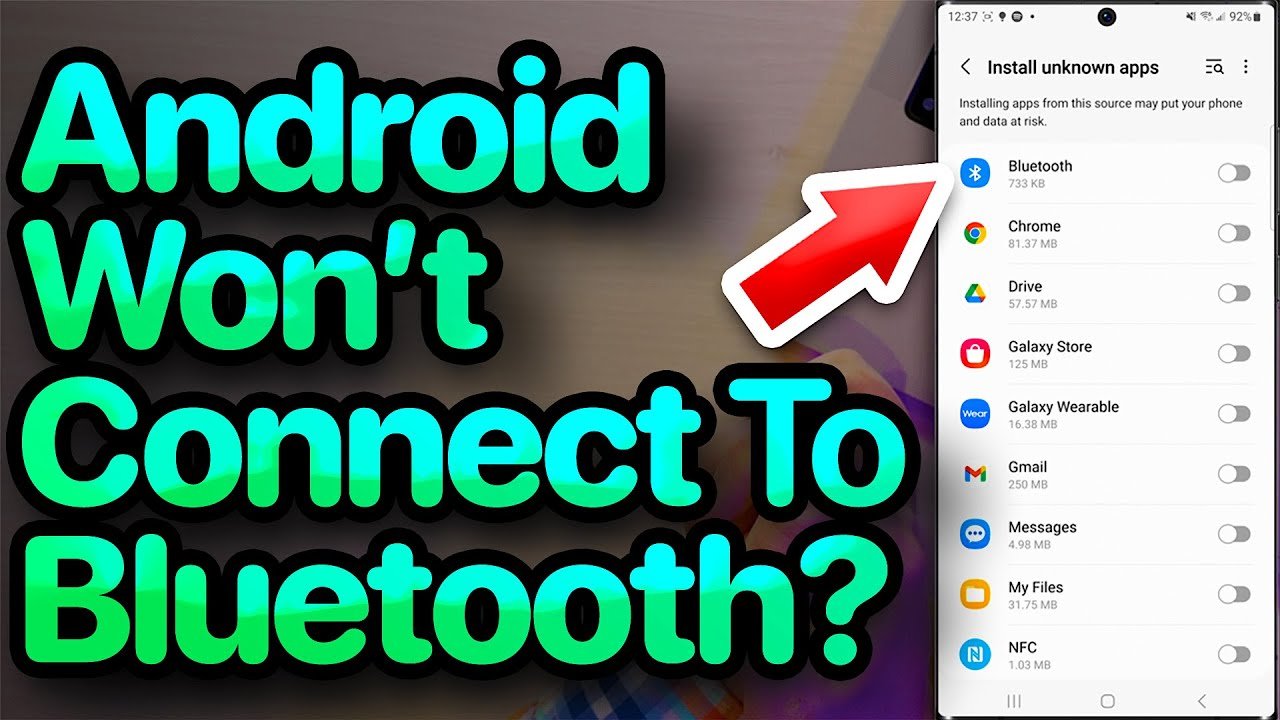
4. Wi-Fi or Bluetooth Connectivity Issues
Connectivity problems can be annoying, especially when you need internet access or want to pair devices.
Causes
- Router or device issues
- Interference from other devices
- Outdated software
Solutions
- Restart Device and Router: Sometimes, a simple restart fixes connectivity issues.
- Forget and Reconnect Network: For Wi-Fi issues, go to Settings > Wi-Fi > Forget Network, then reconnect.
- Reset Network Settings: Settings > System > Reset Options > Reset Wi-Fi, Mobile & Bluetooth.
These steps are essential if you want to fix common Android problems related to connectivity.
5. Storage Full Error
Even if your phone has ample storage, you might occasionally get “Storage Full” warnings.
Causes
- Accumulated junk files
- Large apps or media
- System cache
Solutions
- Clear Junk Files: Use a file manager or a trusted cleaning app.
- Move Files to Cloud: Services like Google Drive or Dropbox help free local storage.
- Uninstall Unnecessary Apps: Removing rarely used apps can free up significant space.
Managing storage effectively can prevent many Android problems before they start.
6. Overheating Issues
An overheating phone is more than uncomfortable—it can damage your device.
Causes
- Heavy gaming or streaming
- Faulty battery
- Software glitches
Solutions
- Limit Heavy Usage: Avoid using multiple resource-intensive apps at once.
- Remove Case While Charging: Some cases trap heat during charging.
- Check for Malfunctioning Apps: Certain apps may cause overheating. Go to Settings > Battery > Battery Usage to identify them.
Proper usage habits can significantly reduce overheating and extend device lifespan.
7. Android Won’t Charge
Charging problems are common, but they usually have simple fixes.
Causes
- Damaged cable or port
- Power source issues
- Software bugs
Solutions
- Try a Different Cable and Charger: Ensure the accessories are compatible.
- Clean Charging Port: Dust or lint can prevent proper charging.
- Restart Your Device: Sometimes, a software glitch prevents charging.
Knowing these tricks is part of understanding how to fix common Android problems efficiently.
8. Screen Freezing or Unresponsive
An unresponsive screen can make your phone nearly unusable.
Causes
- Overloaded memory
- Software glitches
- Incompatible apps
Solutions
- Force Restart: Press and hold the power button for 10-20 seconds.
- Clear Cache Partition: Recovery mode allows you to wipe cache safely.
- Update Software: Ensure your device runs the latest Android version.
Regular maintenance can prevent this issue from recurring.
9. Audio or Sound Problems
Issues with audio can occur during calls, media playback, or notifications.
Causes
- App conflicts
- Software updates
- Hardware damage
Solutions
- Restart Device: Often solves temporary glitches.
- Check App Permissions: Ensure apps have access to microphone or speaker.
- Test Hardware: Use headphones or other devices to isolate the issue.
These solutions cover most sound-related problems on Android.
10. Camera Not Working
A malfunctioning camera is frustrating, especially for Android users who rely on it for daily tasks.
Causes
- App conflicts
- Outdated software
- Hardware issues
Solutions
- Restart Camera App: Close and reopen the app.
- Clear Camera App Cache: Settings > Apps > Camera > Clear Cache.
- Update Device Software: Many camera bugs are fixed through updates.
Following these steps ensures your camera works smoothly and efficiently.
Tips to Prevent Common Android Problems
While knowing how to fix common Android problems is essential, preventing them is even better. Here are a few tips:
- Regular Updates: Keep both apps and Android OS updated.
- Avoid Overloading Storage: Keep at least 20% of storage free.
- Use Trusted Apps: Avoid third-party apps from unknown sources.
- Restart Occasionally: Restarting your phone every few days improves performance.
- Backup Data: Regular backups prevent data loss during problems.
Prevention and maintenance go hand-in-hand with problem-solving, ensuring your device stays in top shape.
Conclusion
Android devices are powerful, but they are not immune to issues. From slow performance to connectivity and battery problems, learning how to fix common Android problems is vital for any user. By following the solutions outlined in this guide, you can troubleshoot most issues on your own, avoid unnecessary repair costs, and enjoy a smoother, faster, and more reliable Android experience.
Remember, regular maintenance and staying updated are key to minimizing problems before they happen. Bookmark this guide and keep it handy for quick solutions to everyday Android issues.